 Sometimes
you would like to be able to take a pair of scissors to a shape – make a wavy or
straight cut across it. You can do this with Breaklines. Using the ‘Break line’
button, having already selected a closed-outline Line object, you enter the
Break Mode. Next, select an input mode to draw your line across the shape, and
right-click to end drawing. You can edit the line before it is used. Once you
have the line as you would like, use the “Cut the object” button to make the
cut. You will now have multiple objects.
Sometimes
you would like to be able to take a pair of scissors to a shape – make a wavy or
straight cut across it. You can do this with Breaklines. Using the ‘Break line’
button, having already selected a closed-outline Line object, you enter the
Break Mode. Next, select an input mode to draw your line across the shape, and
right-click to end drawing. You can edit the line before it is used. Once you
have the line as you would like, use the “Cut the object” button to make the
cut. You will now have multiple objects.
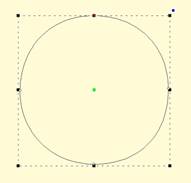
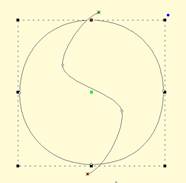
Start with a circle and draw a Breakline.
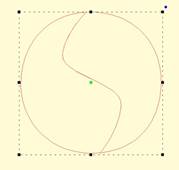
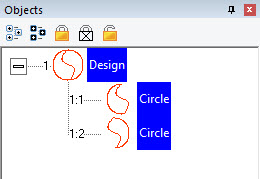
Cut the object with the Breakline. You can see it is now two
objects. 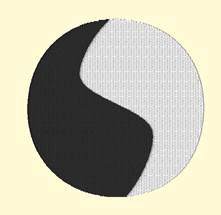
A Fill stitch has been added and colors chosen.