 The
ability to edit individual stitches is a very useful tool. Sometimes there are
parts of a design that you simply do not want. Other times, there are jams of
stitches that simply cannot be removed any other way. In still other cases, you
want to add a few stitches to get rid of gaps or increase coverage in an area
that’s not necessarily a fill. Maybe you just want to make a pocket topper?
The
ability to edit individual stitches is a very useful tool. Sometimes there are
parts of a design that you simply do not want. Other times, there are jams of
stitches that simply cannot be removed any other way. In still other cases, you
want to add a few stitches to get rid of gaps or increase coverage in an area
that’s not necessarily a fill. Maybe you just want to make a pocket topper?
To begin editing a design’s stitches, click the Stitch Edit
button on the toolbar. This will cause the Tool pane to display the Stitch Edit
controls, and the main view will show the stitch points.
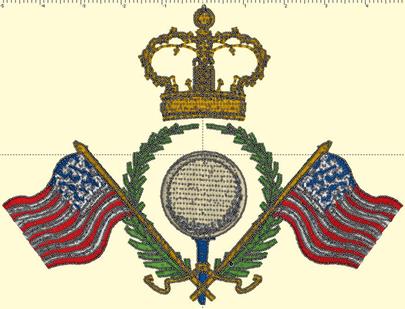
Stitch points can be turned on or off from the View menu.
They help identify the individual needle penetrations in the design.