
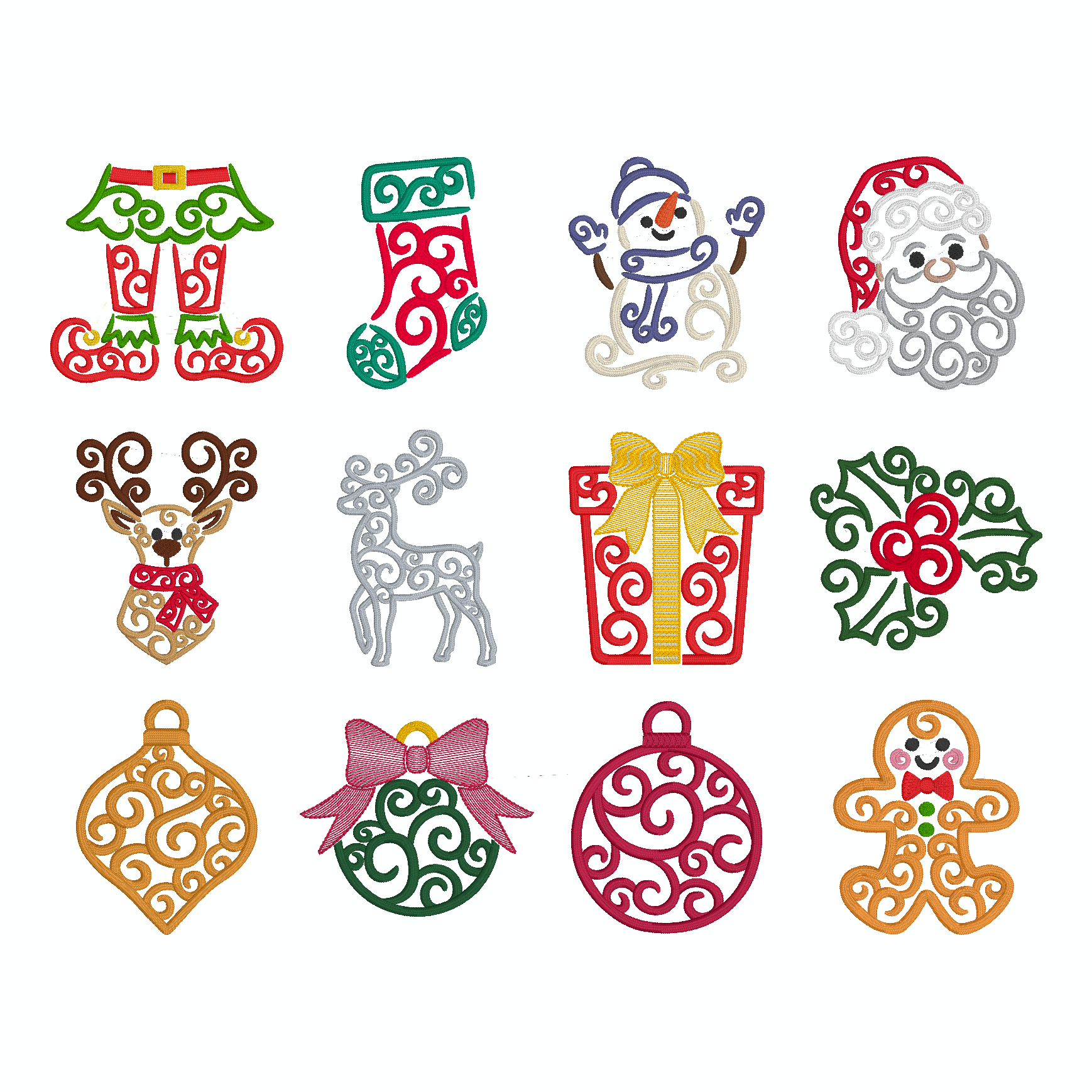
You know that November always comes with crazy schedules and last-minute decorating debacles! If you’ve always wanted to be one of those on-the-ball folks that wisely start their winter holiday stitching early, we have a special gift to get you going! Our Lisa Shaw created 12 stunning individual designs for our ’12 days of Christmas’ stitch-along last year, so we’ve gathered them up in one easy-to-install free library!

Installing the Design Library
This design library installs like any other BX installer you may have used, but if you need a bit of extra help, Here’s a PDF guide with installation instructions. If you haven’t yet installed a BX font or library, you may want to watch the following video that shows how these wonderful installers make adding fonts and design collections to your Embrillliance software easy!
NOTE: the most common error/trouble that people have when trying to install a BX file is that they skip the unzipping step! It is easy to do because Windows File Explorer shows you the contents to extract just like any other folder. However, in order to install a BX file, it must not be inside the compressed file

Adding Library Designs
You may be familiar with BX installation files from the wealth of fonts available from top digitizers, but this BX installs something a little differently. BX Libraries are not fonts, but design collections. Instead of showing up in the ‘Font’ pane of the Lettering tool, Library designs are accessed via the Merge Library Design button on your button bar.

Once you’ve started new design page and click the Merge Library Design button, the Library window will appear. To access the designs once you’ve opened the Library, select the Shared: Project Blog category in the Catalog drop-down menu in the upper left and click on the ‘12 Days of Xmas Swirly’ icon in the left hand panel.

Once you see the designs in the right-hand pane, click and select the design you would like to use then click the OK button above the panel. The design will show up in the center of your hoop on your current design page. Select multiple designs to combine into a unique layout, add lettering or a monogram, or add your own designs to create something truly unique. There are so many possibilities that we’re sure you’ll create something great!
This library can be installed in our Embrilliance platform and used in any of the Embrilliance Platform programs. If you aren’t already an Embrilliance owner, we provide a free method to use our software called Express Mode that will not only allow you to use any of the wonderful free designs found in our project blog, but also enables you to install and create basic text treatments with fonts distributed in our popular .BX format produced by many embroidery design creators.